
วิธียืนยันตัวตนผ่านแอปพลิเคชัน
ยืนยันตัวตนของคุณผ่านแอป Bitazza TH โดยดำเนินการตามคำแนะนำบนหน้าจอ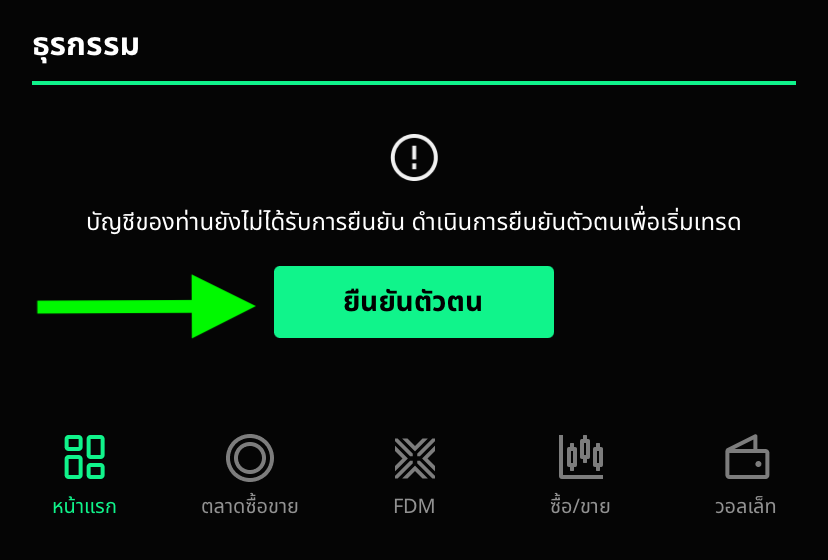
วิธียืนยันตัวตนผ่านเว็บไซต์
ยืนยันตัวตนของคุณผ่านเว็บไซต์ https://kyc.bitazza.com/th/v/th โดยใช้อุปกรณ์มือถือของคุณ
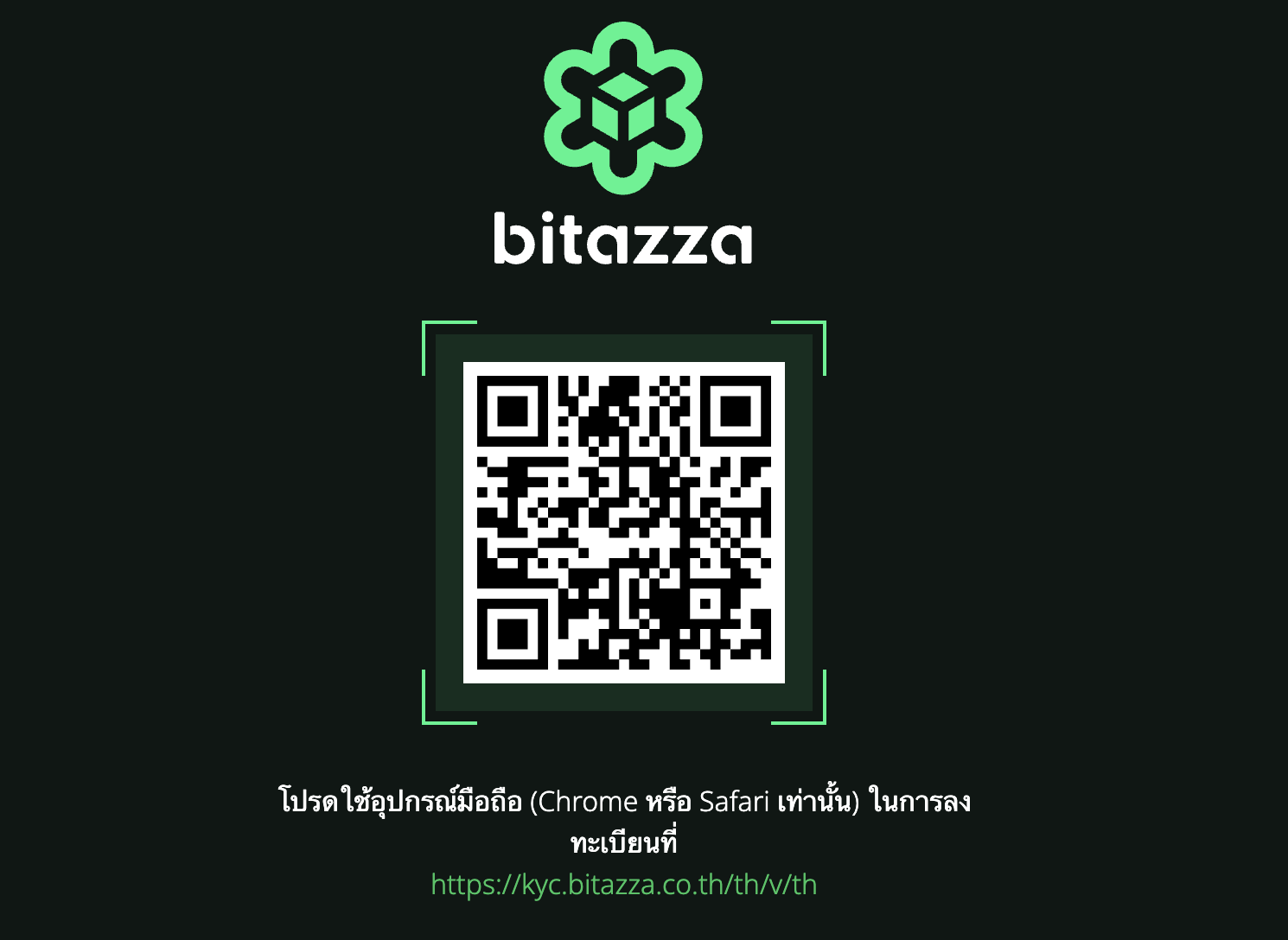
โปรดใช้เบราว์เซอร์ Chrome หรือ Safari บนอุปกรณ์มือถือเท่านั้น โดยระบบจะให้คุณทำการเข้าสู่ระบบก่อนเริ่มยืนยันตัวตน
→ ไปที่ลิงก์ https://kyc.bitazza.com/th/v/th (ต้องมี /th/v/th เท่านั้นสำหรับบิทาซซ่าไทยแลนด์)
เมื่อคุณยืนยันตัวตนเรียบร้อยแล้ว เราจะตรวจสอบข้อมูลของคุณภายใน 24 ชั่วโมง และจะส่งอีเมลแจ้งผลการอนุมัติบัญชี หรือแจ้งขอเอกสารเพิ่มเติม (หากมี)
⚠️ ปัญหา KYC ที่พบบ่อย
1. ที่อยู่ไม่ตรง
ตรวจสอบให้แน่ใจว่าที่อยู่ทั้งหมดตรงกับเอกสารทางราชการของคุณ โดยเฉพาะหากคุณทำงานที่บ้าน
2. แหล่งที่มาของเงินไม่ชัดเจน
แนบเอกสารที่ถูกต้อง เช่น สลิปเงินเดือน รายการเดินบัญชีธนาคาร หรือหลักฐานการประกอบธุรกิจ
✅ ถ่ายรูปเอกสารในที่ที่มีแสงสว่างเพียงพอ ไม่เบลอ มืด หรือมีแสงสะท้อน เอกสารต้องชัดเจน ไม่หมดอายุ และถ่ายเซลฟี่ให้เห็นใบหน้าชัดเจน
⚠️ ปัญหา KYC ที่พบบ่อย
1. ที่อยู่ไม่ตรง
ตรวจสอบให้แน่ใจว่าที่อยู่ทั้งหมดตรงกับเอกสารทางราชการของคุณ โดยเฉพาะหากคุณทำงานที่บ้าน
2. แหล่งที่มาของเงินไม่ชัดเจน
แนบเอกสารที่ถูกต้อง เช่น สลิปเงินเดือน รายการเดินบัญชีธนาคาร หรือหลักฐานการประกอบธุรกิจ
✅ ถ่ายรูปเอกสารในที่ที่มีแสงสว่างเพียงพอ ไม่เบลอ มืด หรือมีแสงสะท้อน เอกสารต้องชัดเจน ไม่หมดอายุ และถ่ายเซลฟี่ให้เห็นใบหน้าชัดเจน
Instructions for Mobile App
Verify your identity via the Bitazza TH mobile app by following the on-screen instructions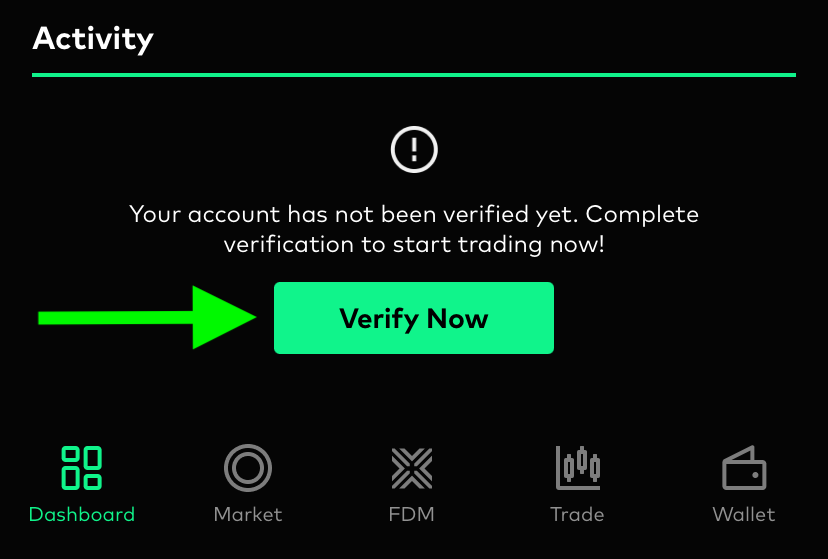
Instructions for Website
Verify your identity through the website https://kyc.bitazza.com/en/v/th using your mobile device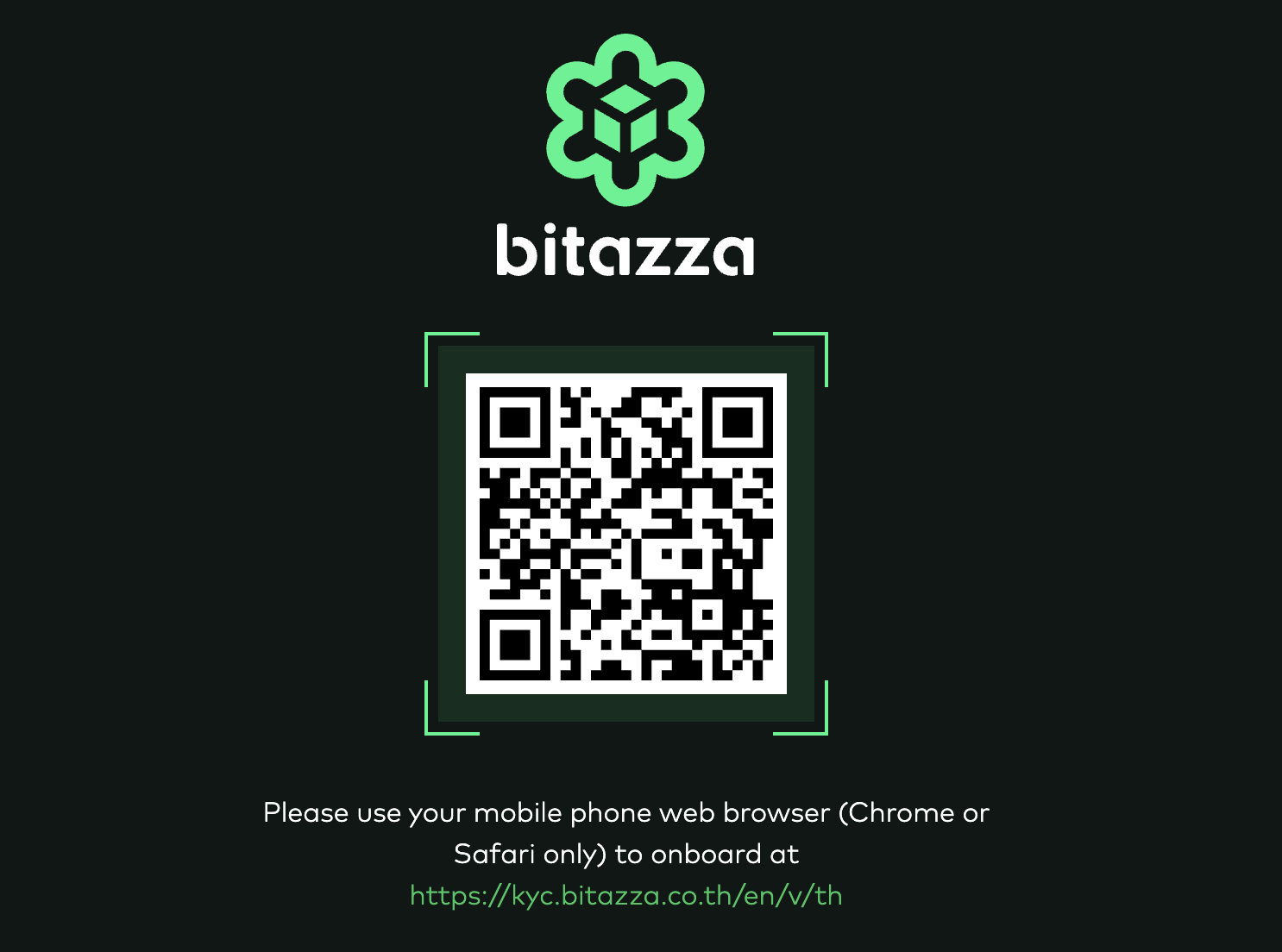
Please use Chrome or Safari browser on your mobile device only. The system will prompt you to log in before proceeding with KYC
→ Go to https://kyc.bitazza.com/en/v/th (must contain /en/v/th for Non-Thai users)
Once you complete the identity verification, we will review your information within 24 hours. You will receive an email regarding your account approval or if any further documents are needed.
⚠️ Common KYC Issues
1. Address mismatch
Make sure all addresses match your official documents, especially if you work from home
2. Unclear source of funds
Attach the right documents like payslips, bank statements, or business proof
✅ Take photos in a well-lit area without blur, darkness, or glare. Documents must be clear, valid, and unexpired. Your selfie should clearly show your full face
⚠️ Common KYC Issues
1. Address mismatch
Make sure all addresses match your official documents, especially if you work from home
2. Unclear source of funds
Attach the right documents like payslips, bank statements, or business proof
✅ Take photos in a well-lit area without blur, darkness, or glare. Documents must be clear, valid, and unexpired. Your selfie should clearly show your full face