1. From your old device, open the Google Authenticator app and tap the 'Menu' button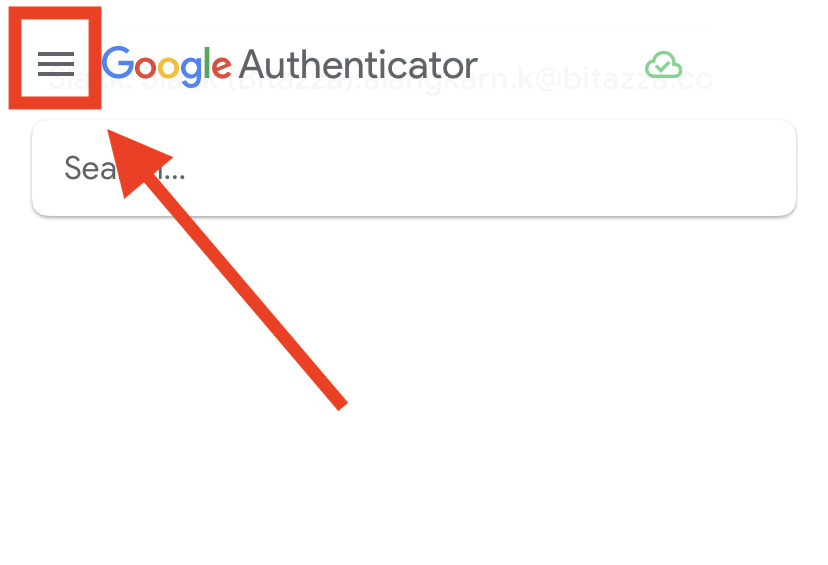
2. Select 'Transfer accounts'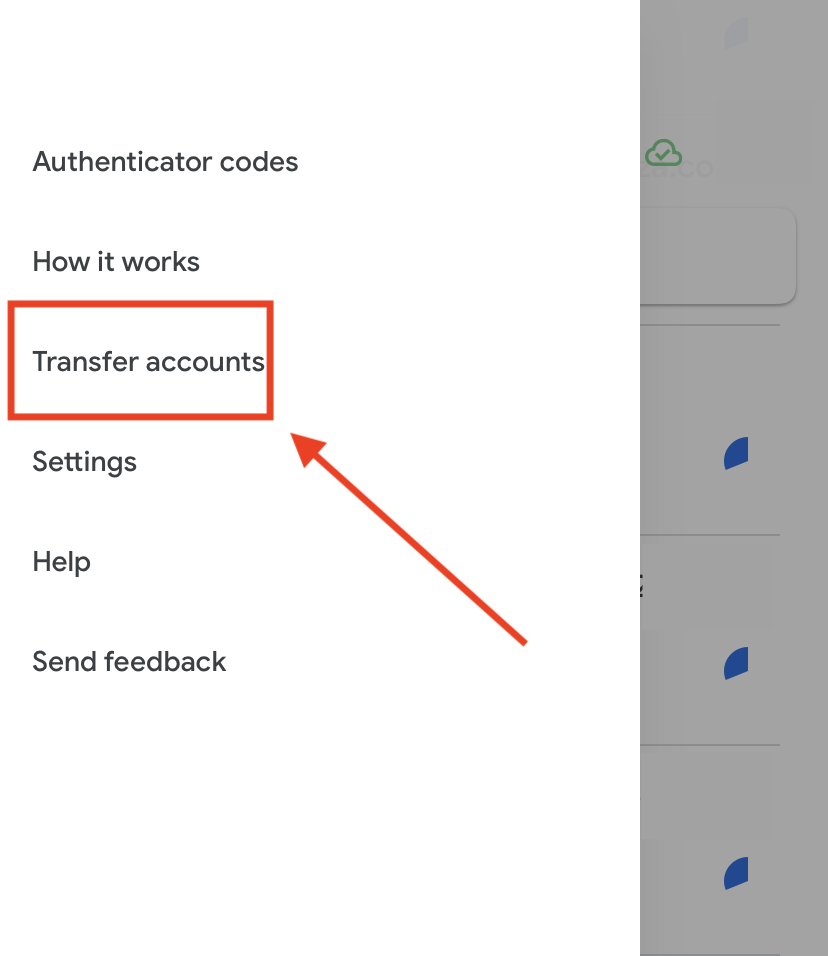
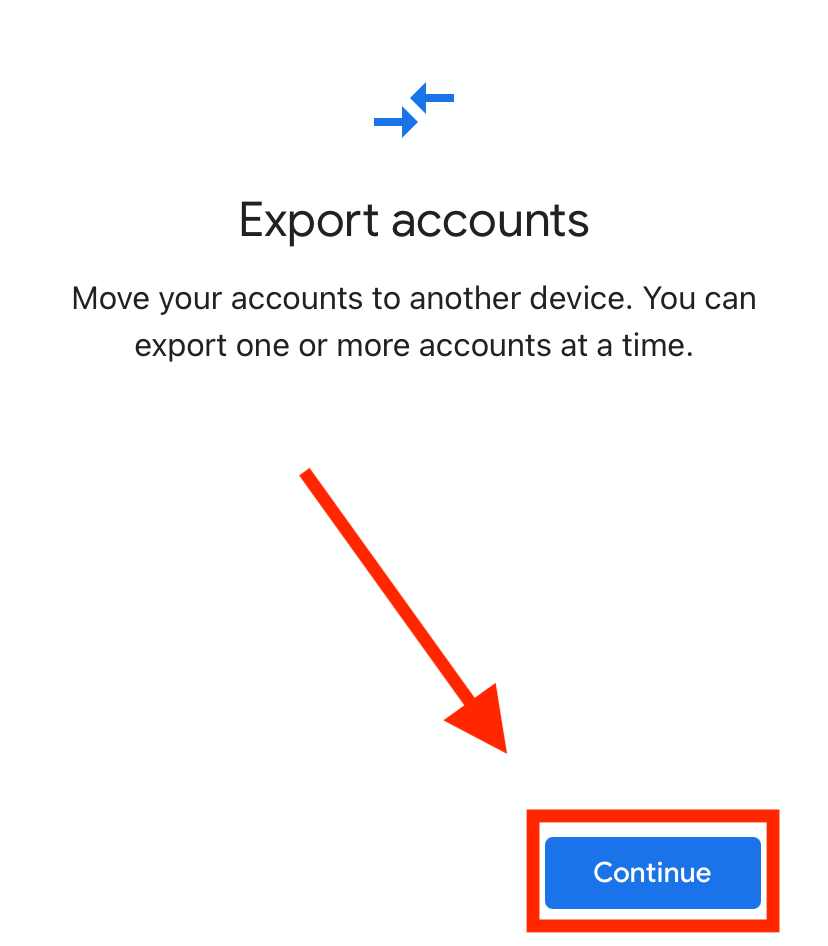
3. Click 'Export accounts' or 'Continue'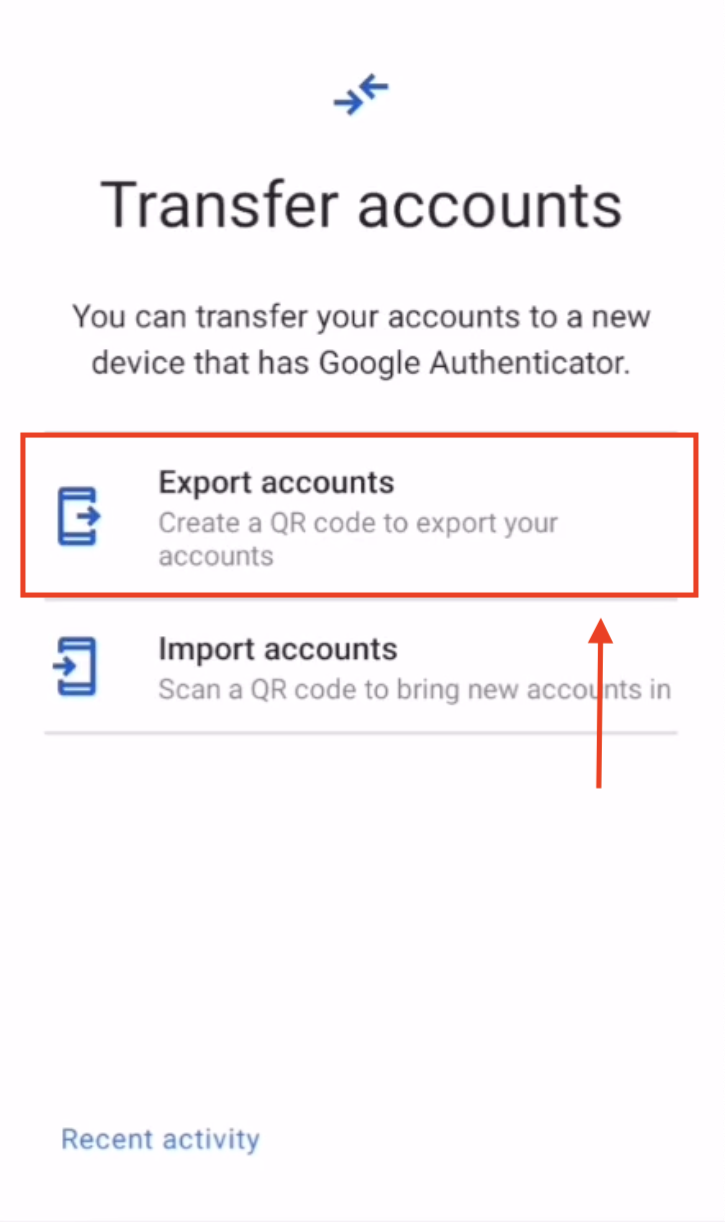
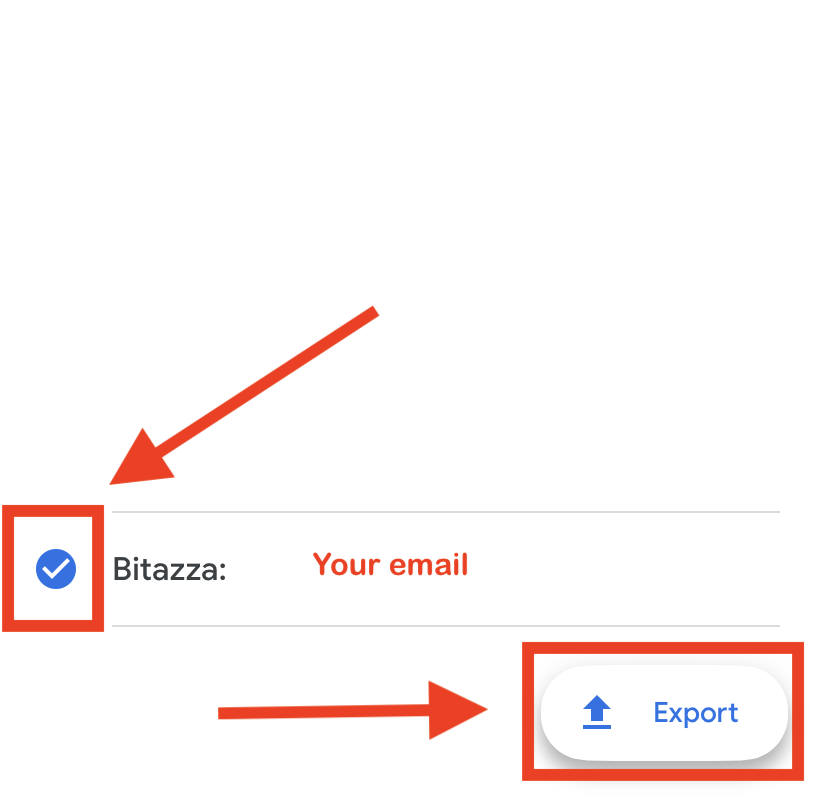
4. Select your Bitazza account 2FA and click 'Export'
The transfer QR code will be displayed on your old device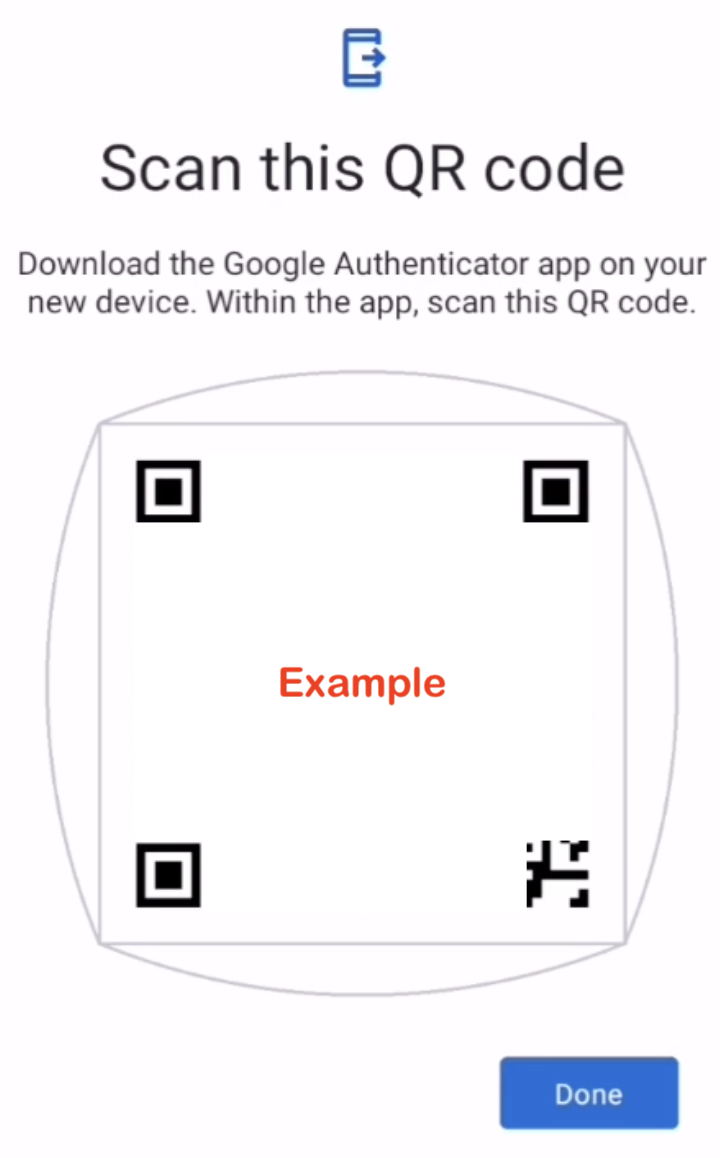
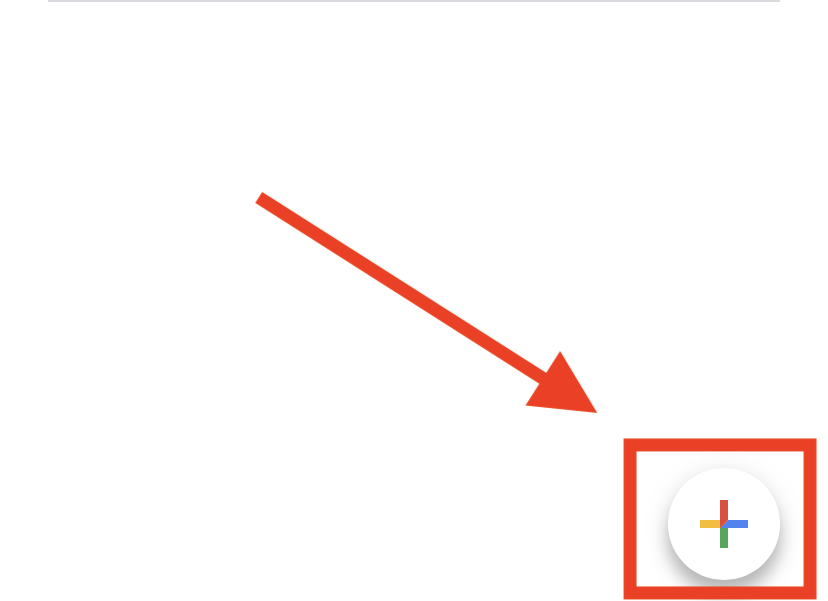
5. On your new device, download Google Authenticator, tap the '+' symbol, and scan the QR code to complete the 2FA transfer