
It may be because the transaction is not your most recent one. To find older incomplete transactions, you can go to the ‘Wallet’ page and check as follows:
1. Digital Assets Menu
Select the digital asset you want to check, and the system will display all transactions related to that asset. If you find any pending transactions, you can cancel them immediately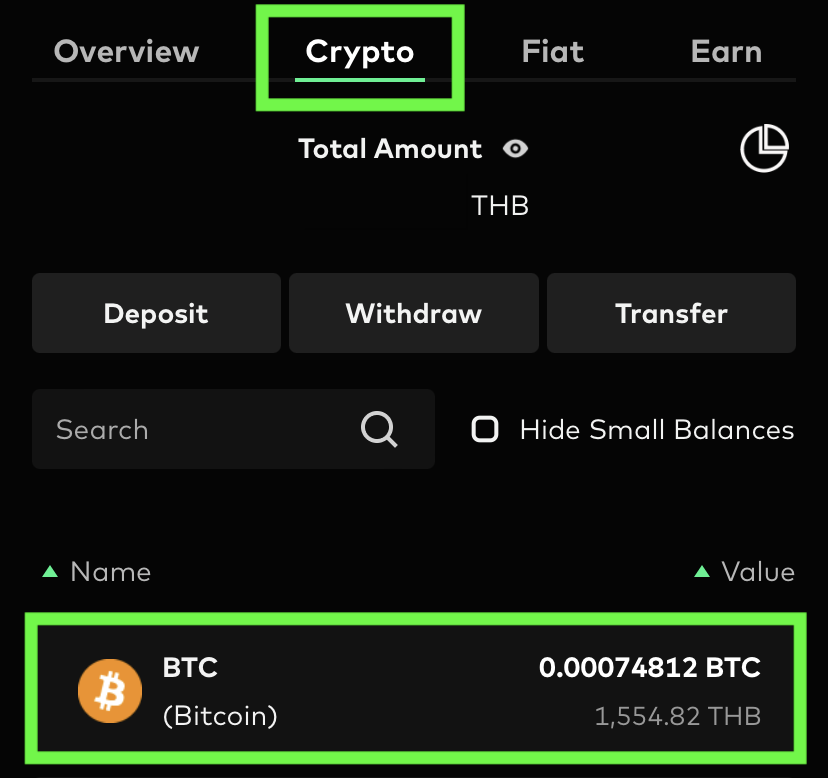
2. Fiat Menu
Scroll down to check all past cash transactions. If you find any pending transactions, you can cancel them immediately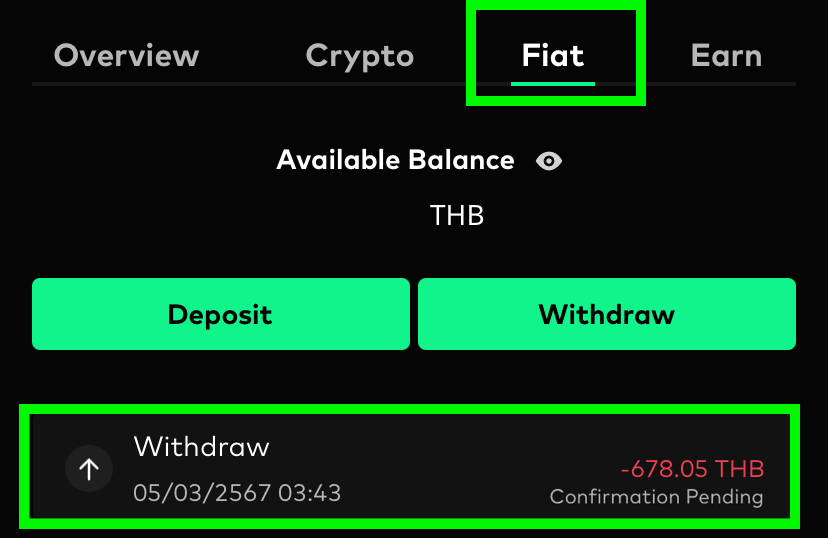
Note: If you have checked everything and still can’t find the transaction you’re looking for, please contact our agent for further assistance