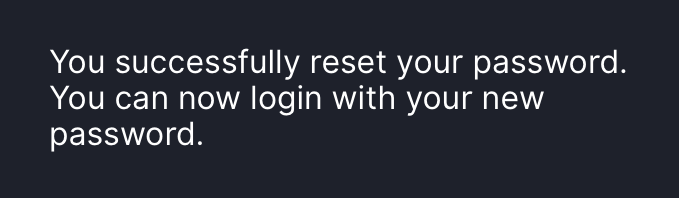
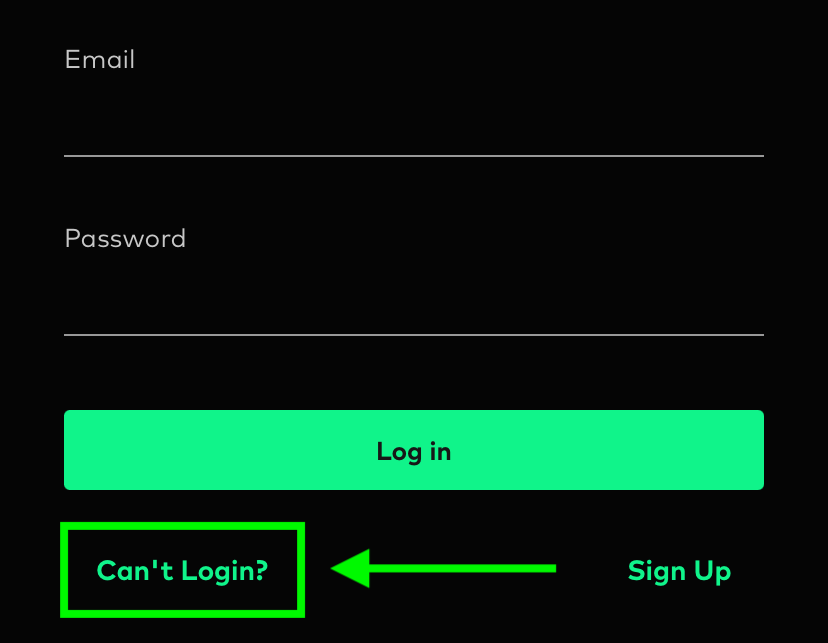
1. If you want to reset your password, please click Can't Login
2. Click I am an existing user, and I forgot my password. and enter your Bitazza registered email.
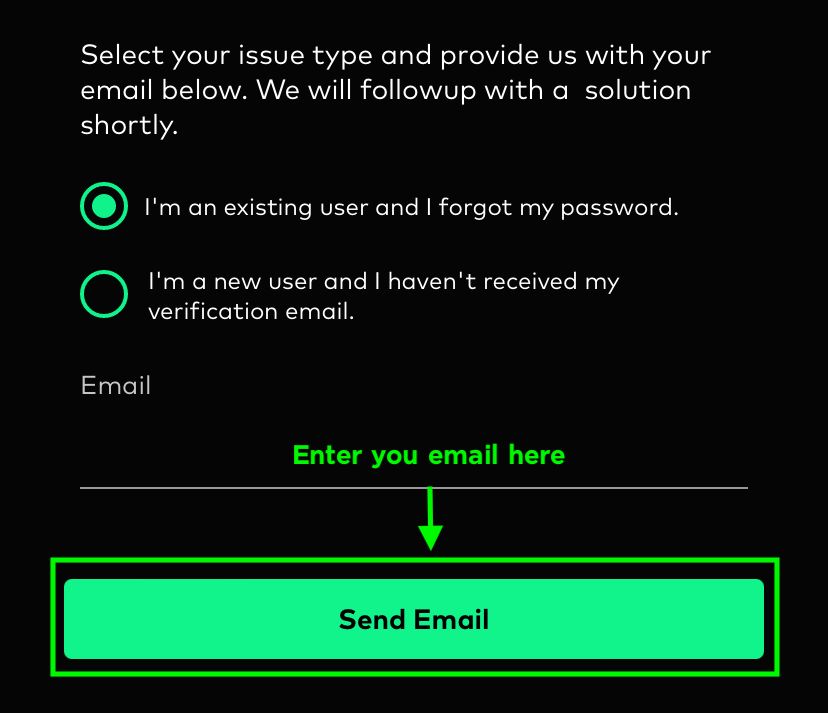
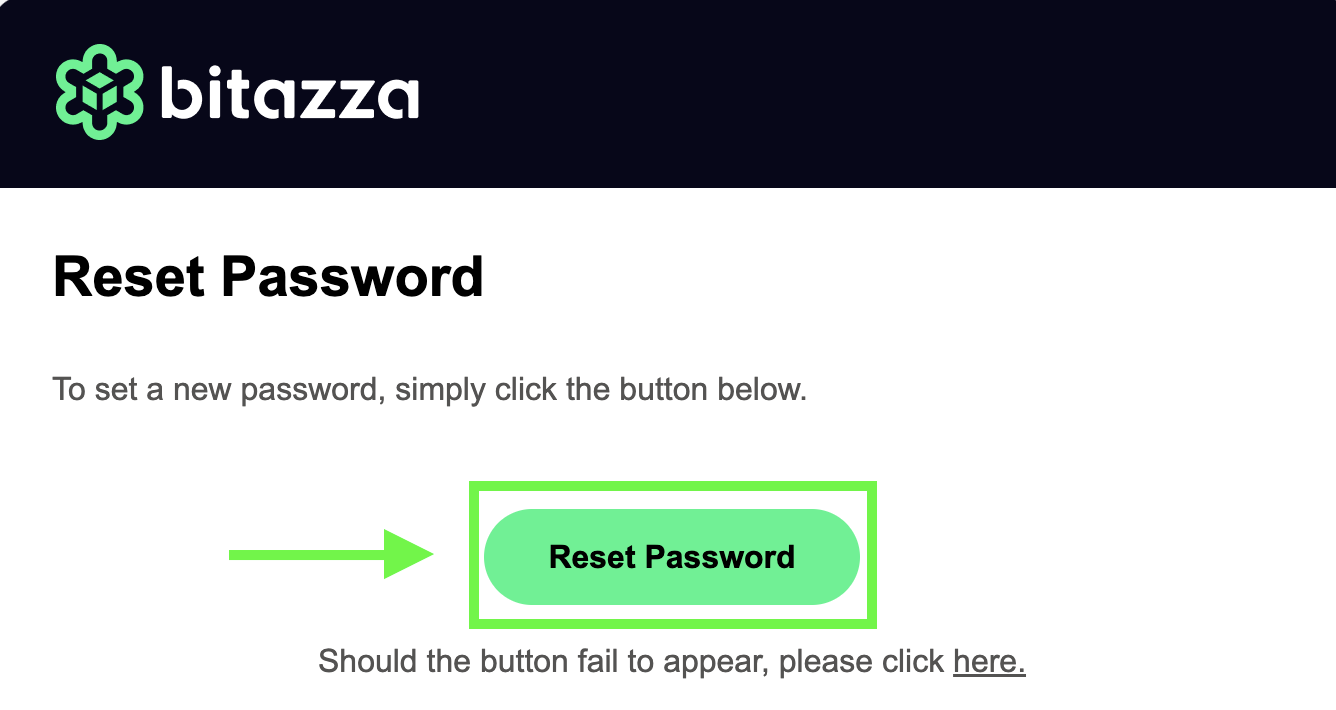
3. After clicking Send Email you will receive an email with a password reset link and instructions on how to reset your password.
1. The new password must not be the same as the old one.
2. Your password must be 8-40 characters long and include at least one
2.1 Uppercase letter (A-Z)
2.2 Lowercase letter (a-z)
2.3 Number (0-9)
2.4 Special character (@#$%!?)
For example, B1t@zzaPW
3. The password reset link is valid for only 30 seconds.
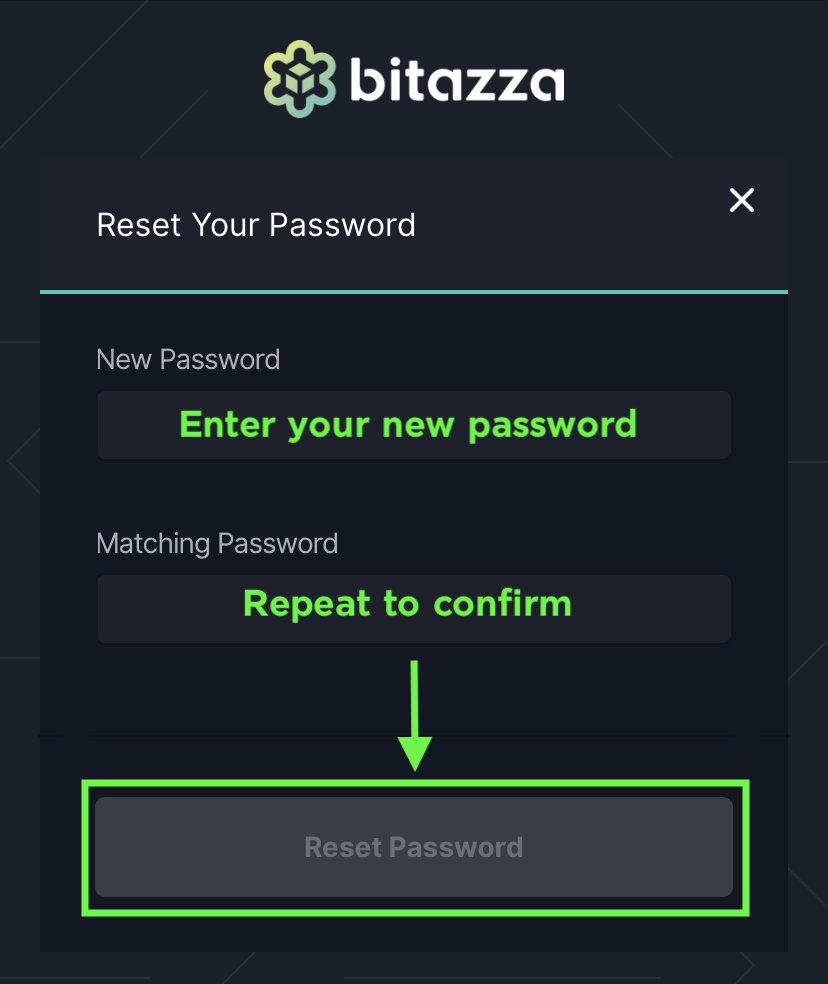
4. Fill the 1. New Password and 2. Matching Password boxes with the same password as you desire. The password must be 8-40 characters long, contain at least one uppercase letter, one lowercase letter, one number, and one symbol. For example: B1t@zzaPW.
2. Your password must be 8-40 characters long and include at least one
2.1 Uppercase letter (A-Z)
2.2 Lowercase letter (a-z)
2.3 Number (0-9)
2.4 Special character (@#$%!?)
For example, B1t@zzaPW
3. The password reset link is valid for only 30 seconds.